Fast VPN. Global Access.
Fast servers in 70 countries, optimized for streaming, gaming, torrenting, and everyday privacy.
-
 4.8
App Store
4.8
App Store
-
 4.7
Google Play
4.7
Google Play
Pick a country, watch its TV
Streaming services show different shows in each country. Connect to a GatewayVPN server there and your apps load that country's library.
- servers optimized for streaming
- 6,500+
- supported streaming services
- 220+
Available to stream












Available to stream






Available to stream

Available to stream

Available to stream





Available to stream

Set up GatewayVPN in 3 steps
Install the app, create your account, and connect. The same steps work on Windows, macOS, iOS, and Android.
-
Step 1: Download the app
Get GatewayVPN for your device and install it.
-
Step 2: Create your account
Choose a plan, sign up, and log in to the app.
-
Step 3: Connect
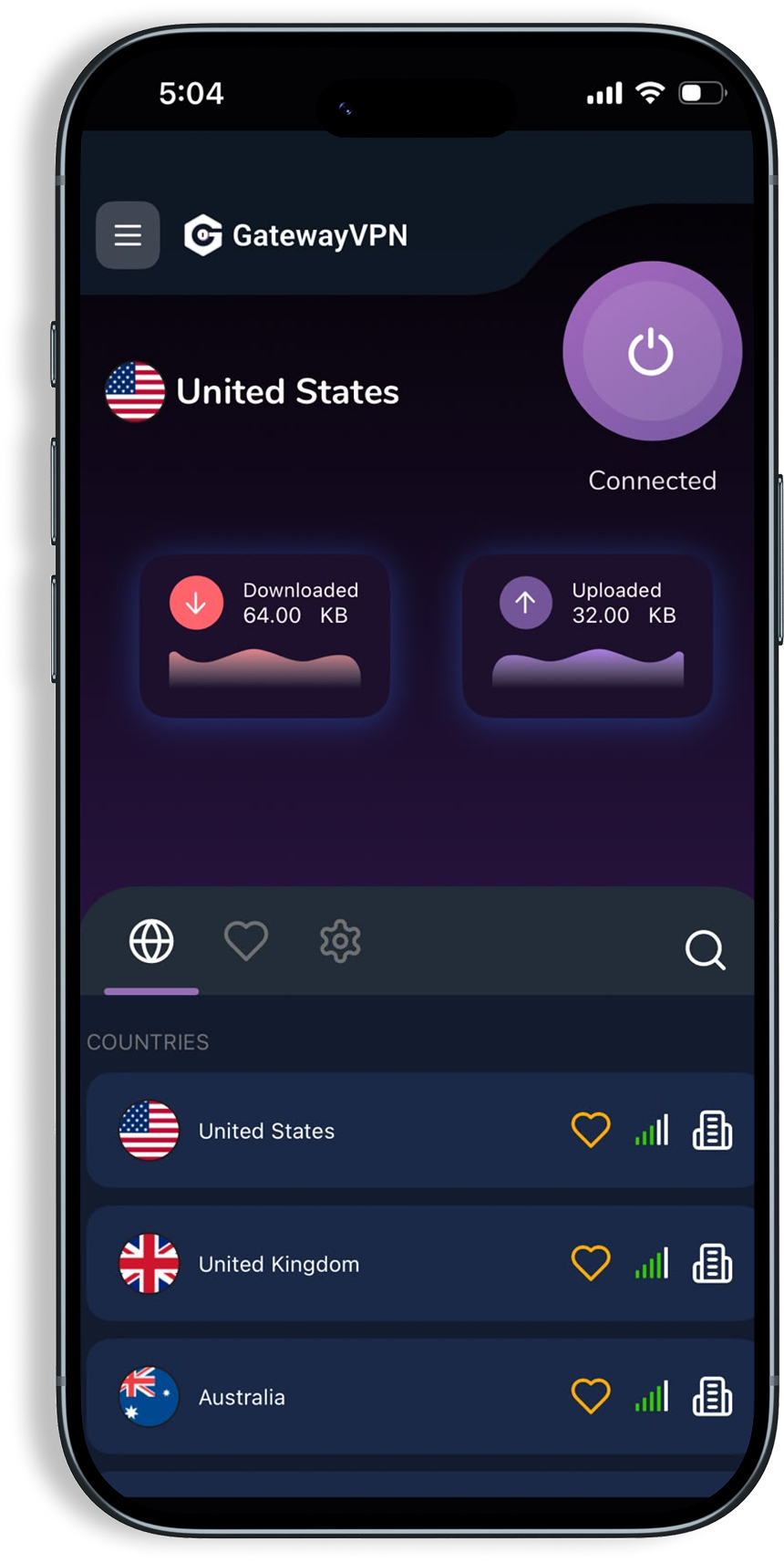
Tap Connect for the fastest server, or pick one of 70 countries.

30-day money-back guarantee · Up to 5 devices per account
Servers in 70 countries
Connect to the fastest server near you, or pick any location to browse as if you were there.
- 6,500+ servers
- Unlimited bandwidth
- Fastest server picked for you
 USA
USA United Kingdom
 Spain
Spain Canada
 France
 Germany
 Belgium
 Portugal
 Poland
 Lithuania
 Ireland
 Finland
 Hungary
 Estonia
 Austria
 Norway
 Denmark
 Bulgaria
 Latvia
 Greece
 Czech Republic
 Italy
Italy Netherlands
 Moldova
 Romania
 Slovakia
 Luxembourg
 Sweden
 Switzerland
 Albania
 Russia
 Turkey
 Ukraine
 Brazil
 Australia
 New Zealand
 India
India China
China Hong Kong
 Japan
Japan South Korea
 Singapore
 Taiwan
 Vietnam
 Nigeria
 South Africa